
01
Free
Close when you need it.
The free menu shows repository summaries, Issues and Pull Requests. Open the right item on GitHub while keeping track of what is happening.
 Yvori ForgeMac
Git. With context.
Follow repositories from your menu bar. Open Forge Pro to work with Git, review changes and plan on GitHub.

An Issue to follow. A change to review. A project to plan. Forge brings these parts of your work closer together in an interface made for Mac. Turn on Demo to explore the full panel with fictional data, without connecting a GitHub account or subscribing. Available to everyone.
The free menu shows repository summaries, Issues and Pull Requests. Open the right item on GitHub while keeping track of what is happening.
Inspect changes and history in local repositories with the Pro panel. Review and recovery tools provide context for your next step.
Connect your account and follow planning in GitHub Projects. The panel brings local work together with information from the service you authorize.
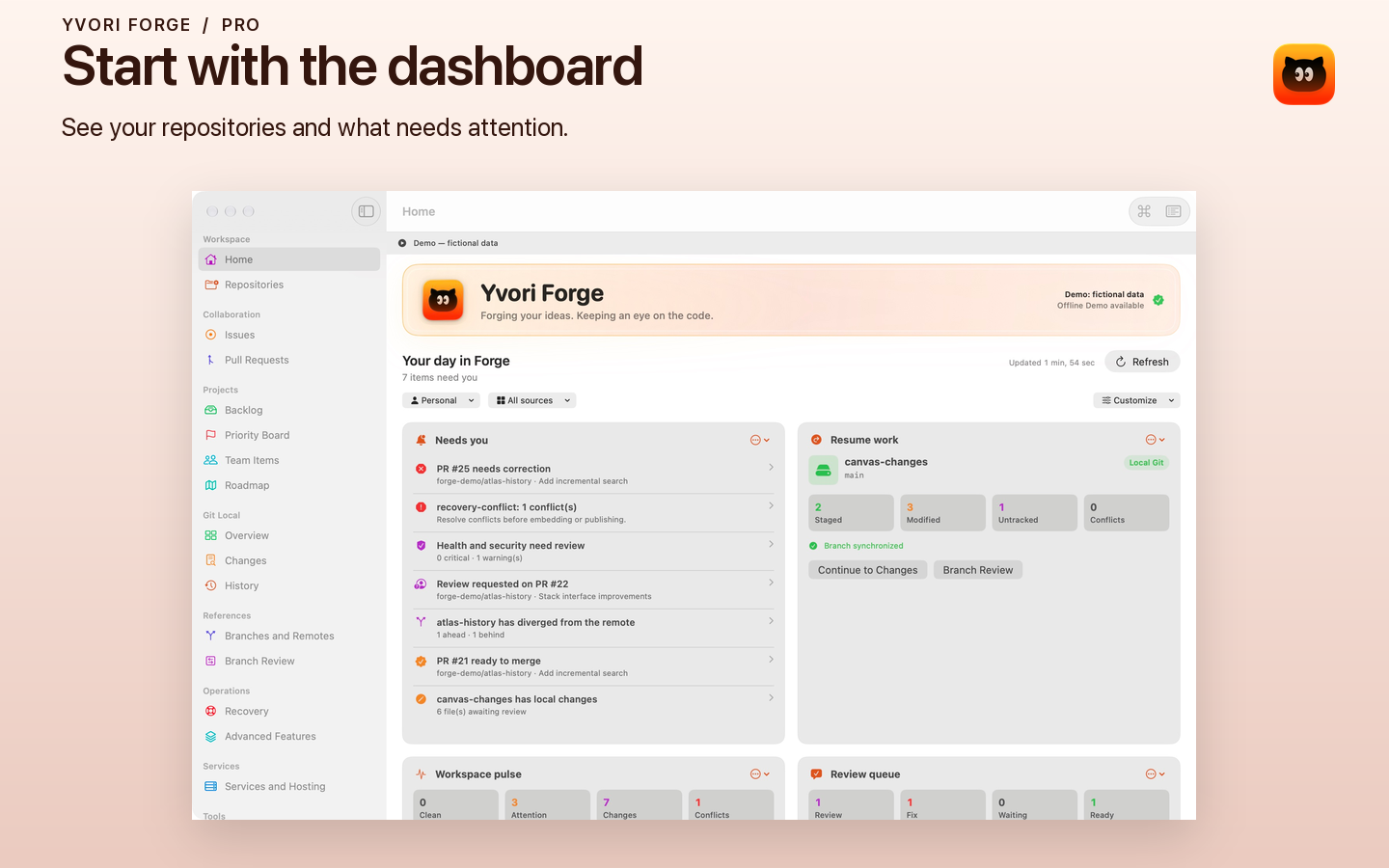
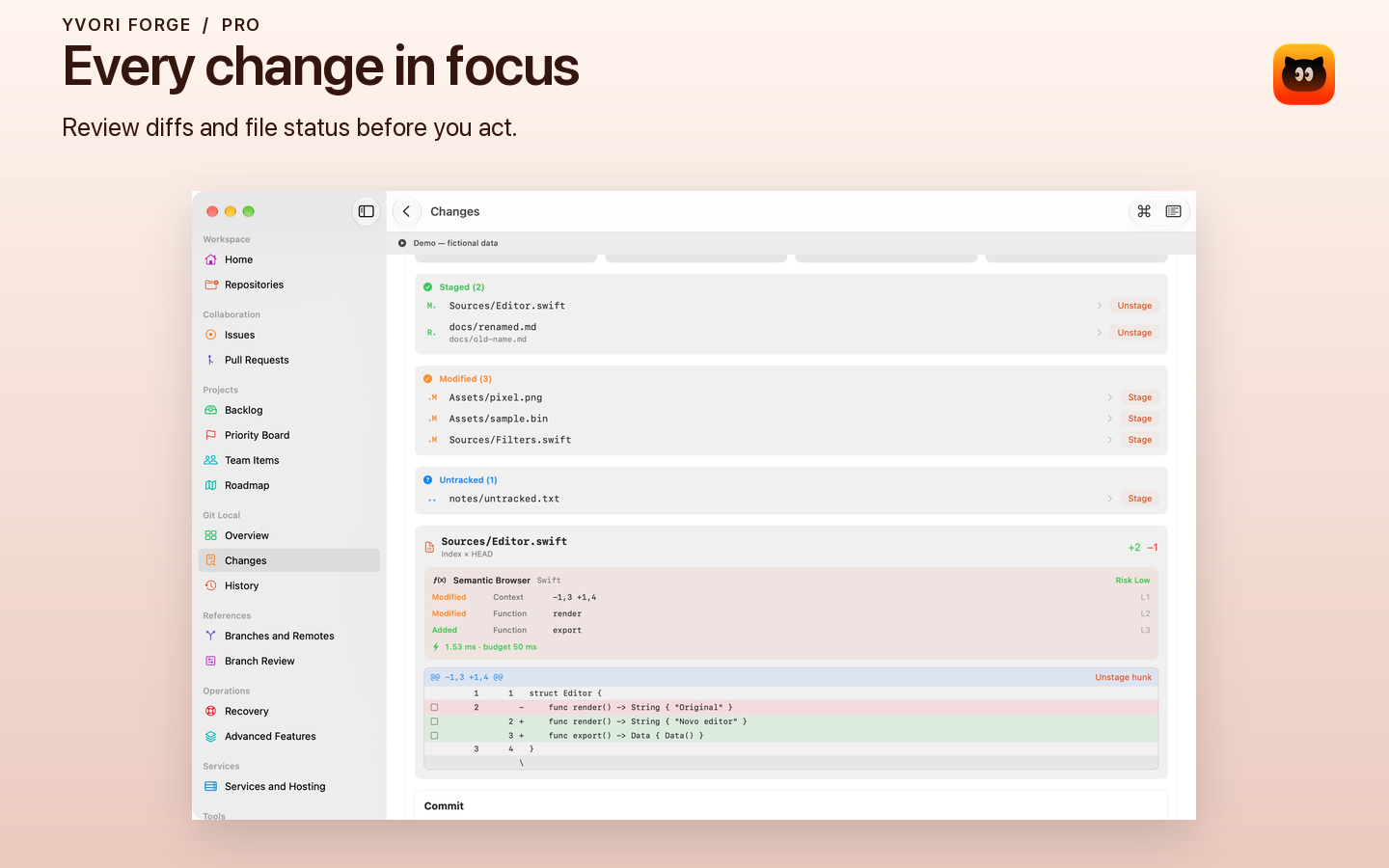
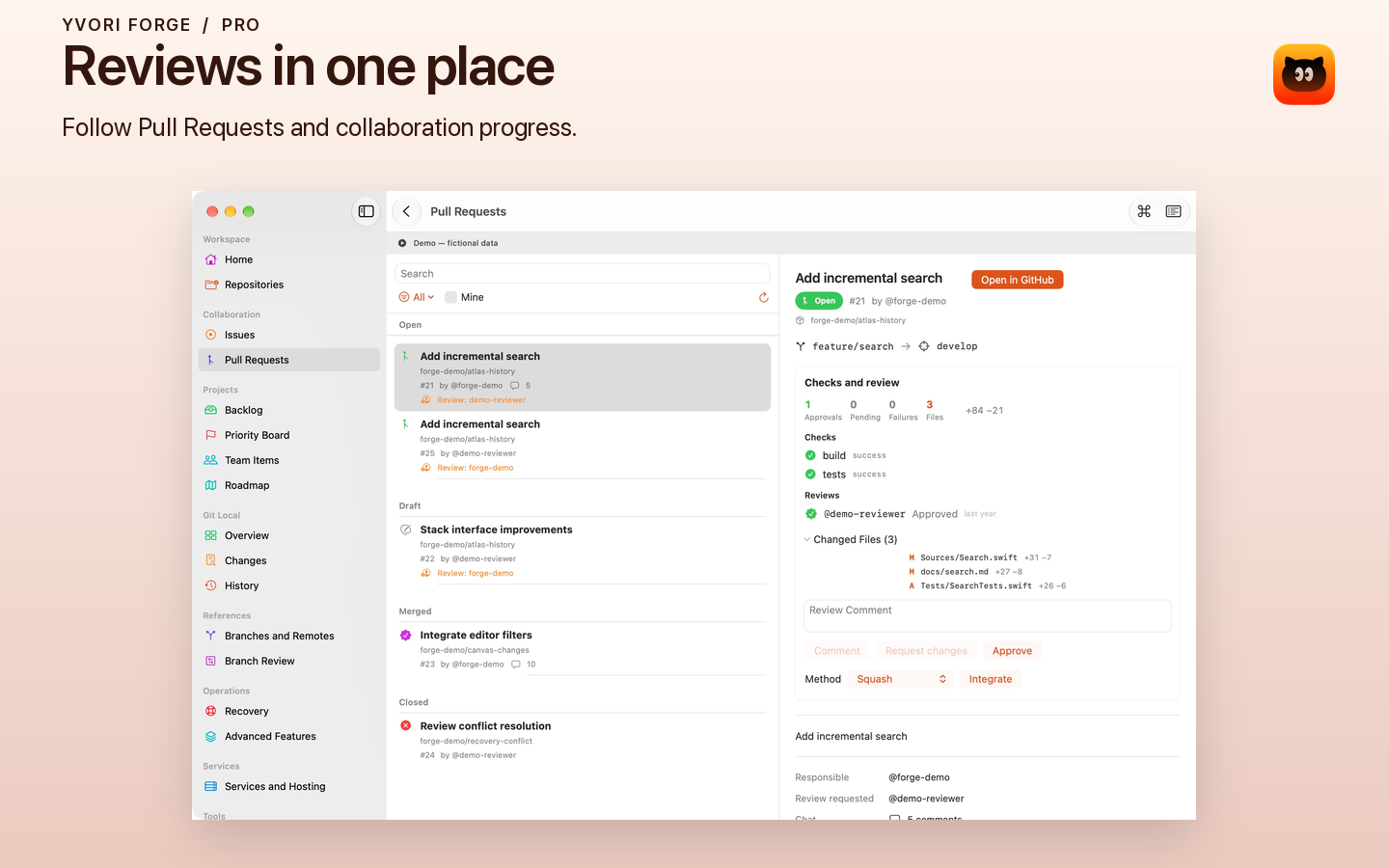
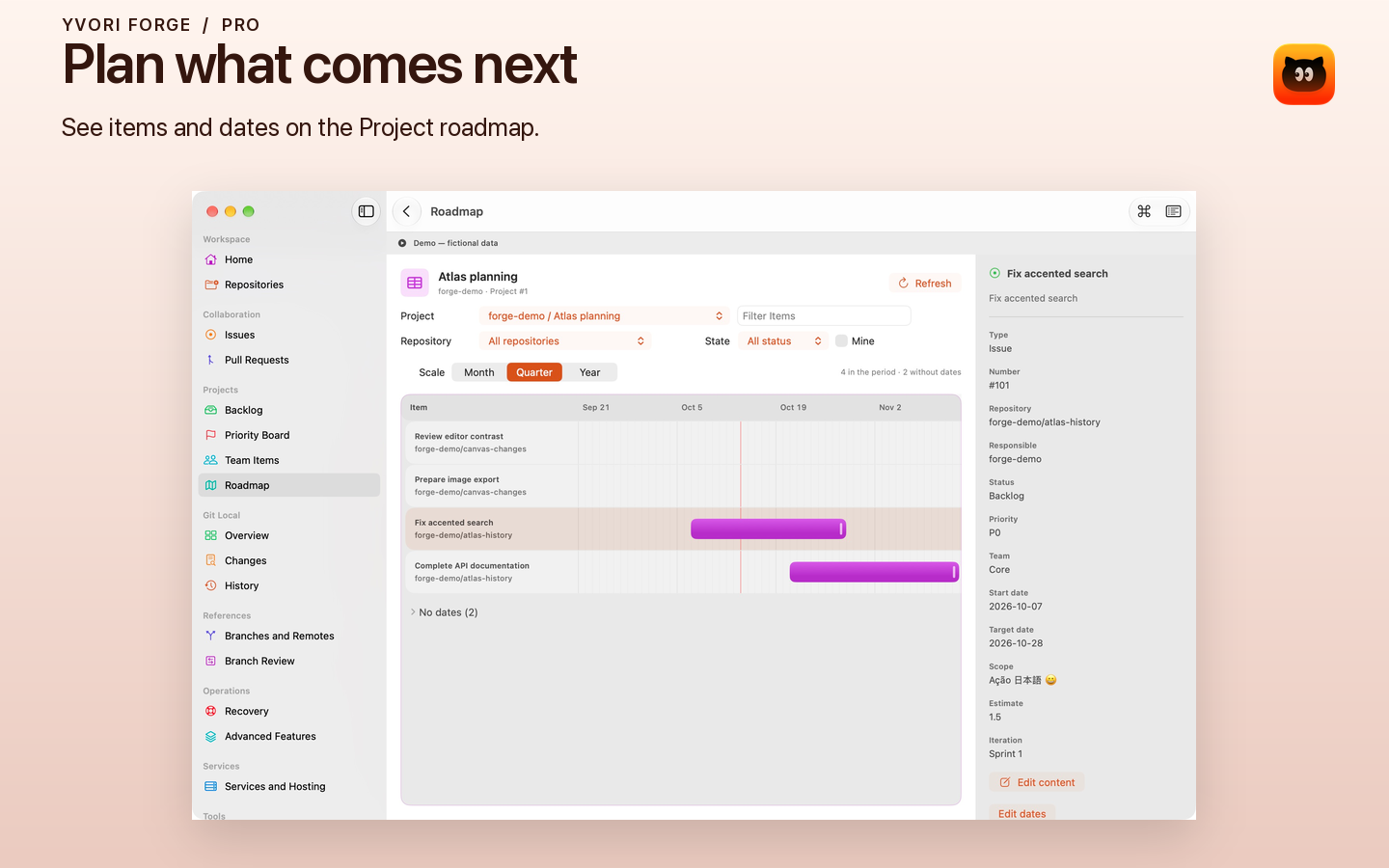
Explore captures of the application.
macOS 15+
Choose the features that support your work.
Repositories, Issues and Pull Requests in your menu bar, with shortcuts to GitHub.
Complete workspace, local Git management, review, recovery and GitHub Projects planning.
Pro offers a monthly subscription, an annual subscription or a lifetime purchase. Subscriptions renew automatically. Lifetime access is a one-time purchase and does not cancel an existing subscription. All three options unlock the same Pro features.
Available prices, eligible offers and terms are displayed in the app by the App Store.
Forge connects to GitHub with your authorization. Credentials are stored in Keychain; preferences and diagnostic logs stay on your Mac.
Read the privacy policyGit and GitHub, from menu to project.