
01
Visual identification
A window with context.
The highlight shows which app is in your sights, process details, and the planned action before you click.
 Yvori App SniperMac
The right app. In your sights.
Identify the app behind any window and choose the appropriate action, with confirmations and safeguards for macOS processes.
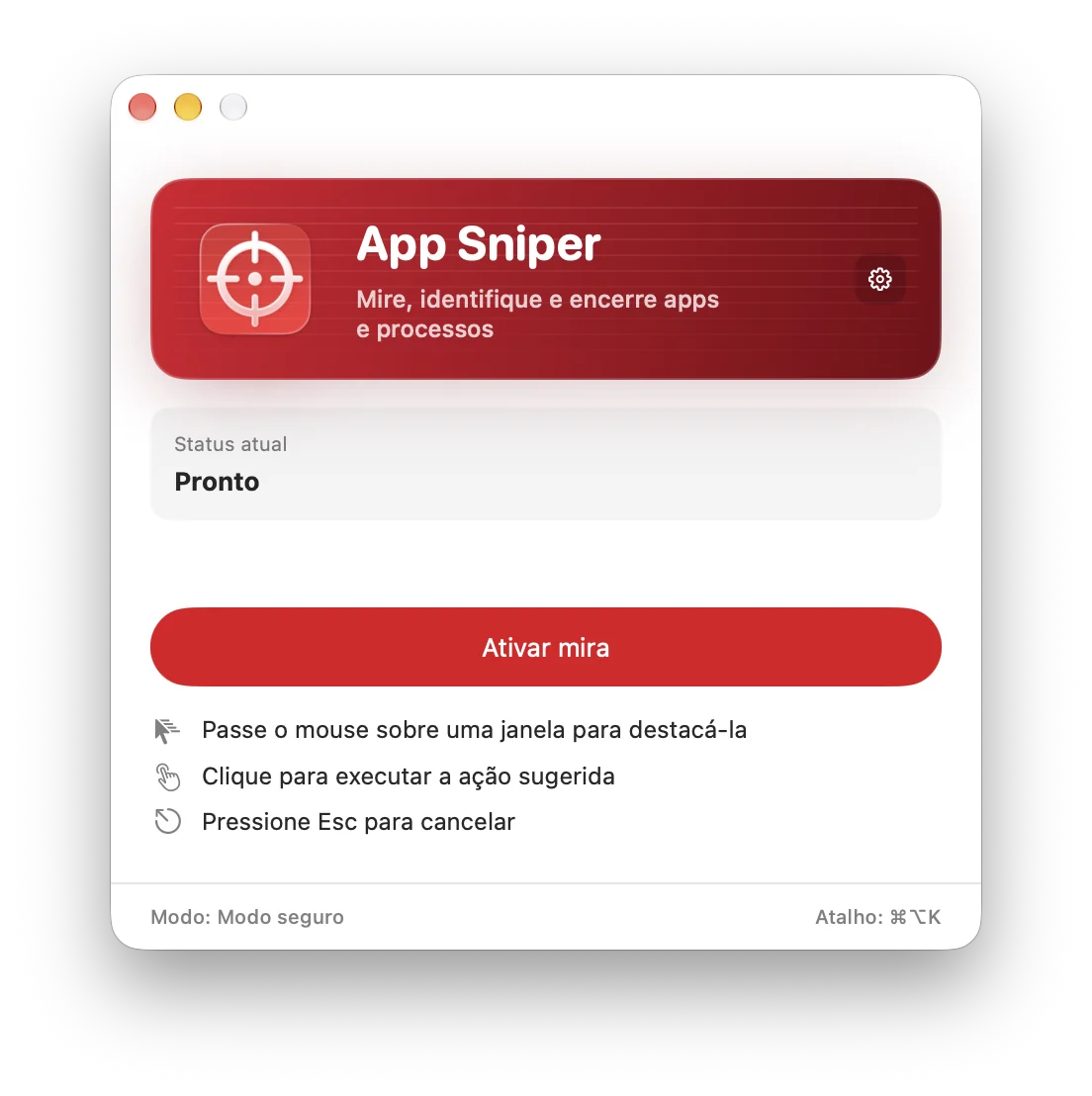
Activate aiming, move the pointer over a window, and see the app, PID, title when available, CPU and memory usage, and the proposed action. Click to act or press Esc to cancel.
The highlight shows which app is in your sights, process details, and the planned action before you click.
Quit regular apps and restart supported processes such as Finder and Dock. Unknown processes remain blocked.
Choose Safe or Advanced mode. Critical actions require two confirmations; activate aiming with the button or ⌘⌥K.
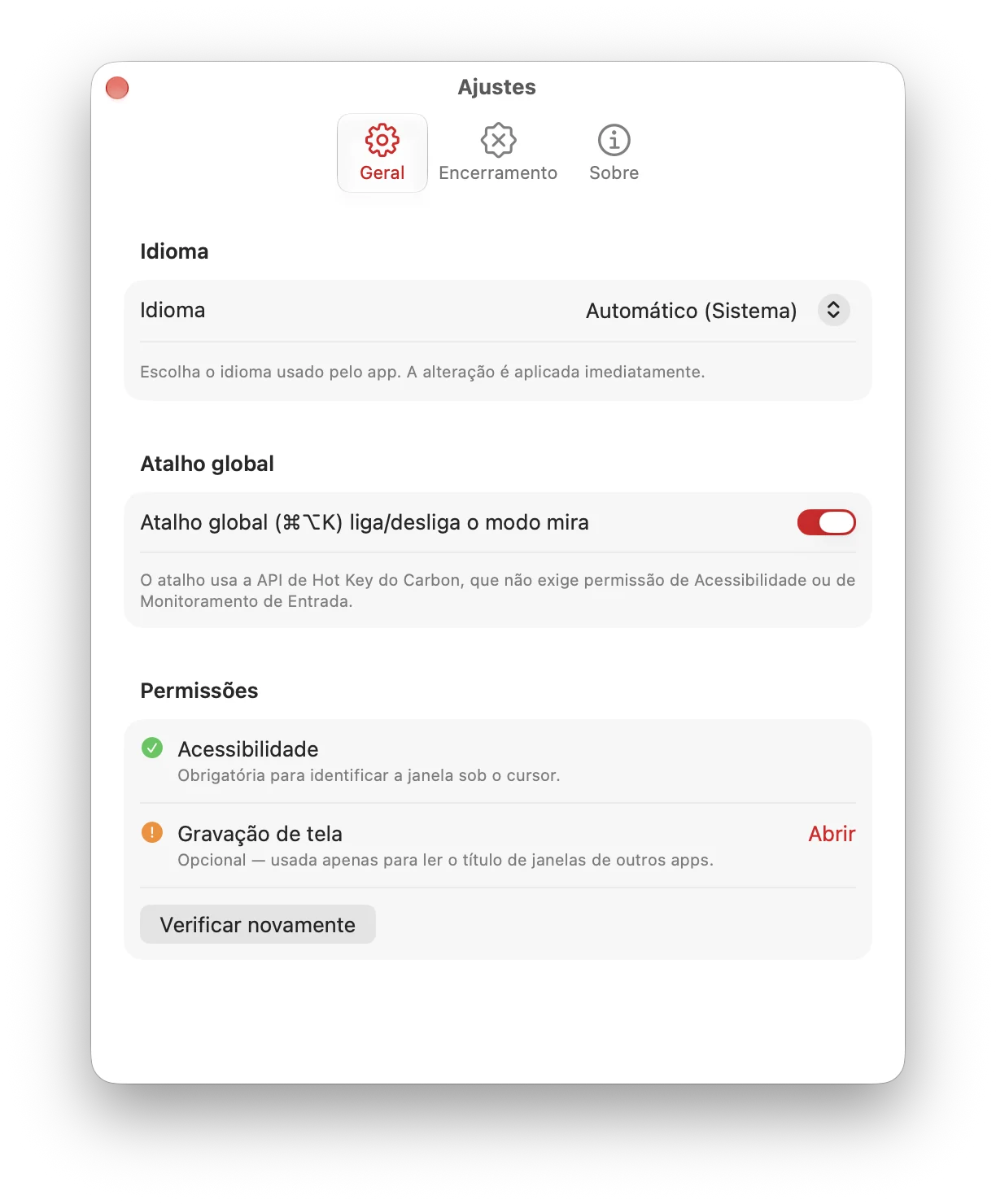
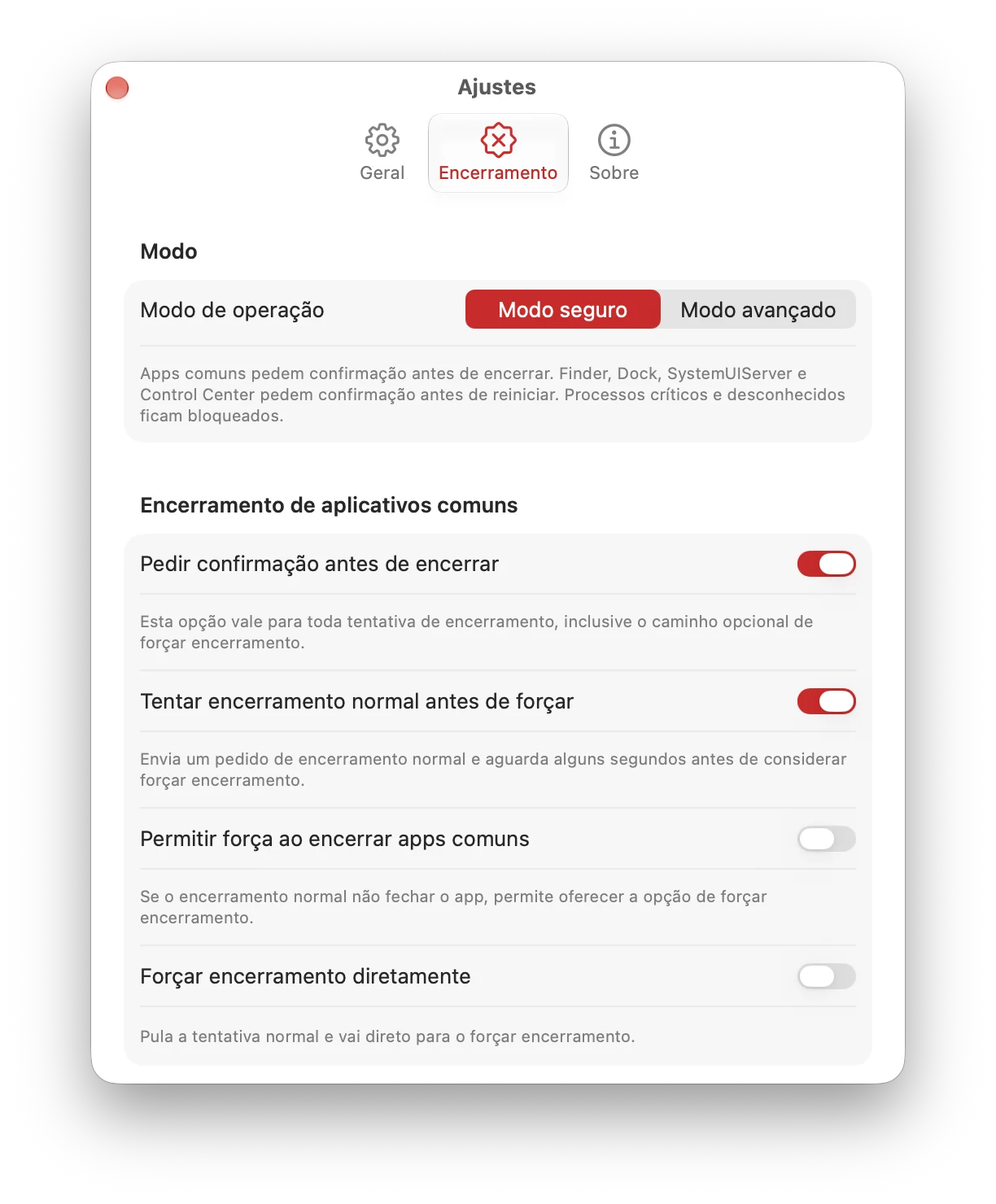
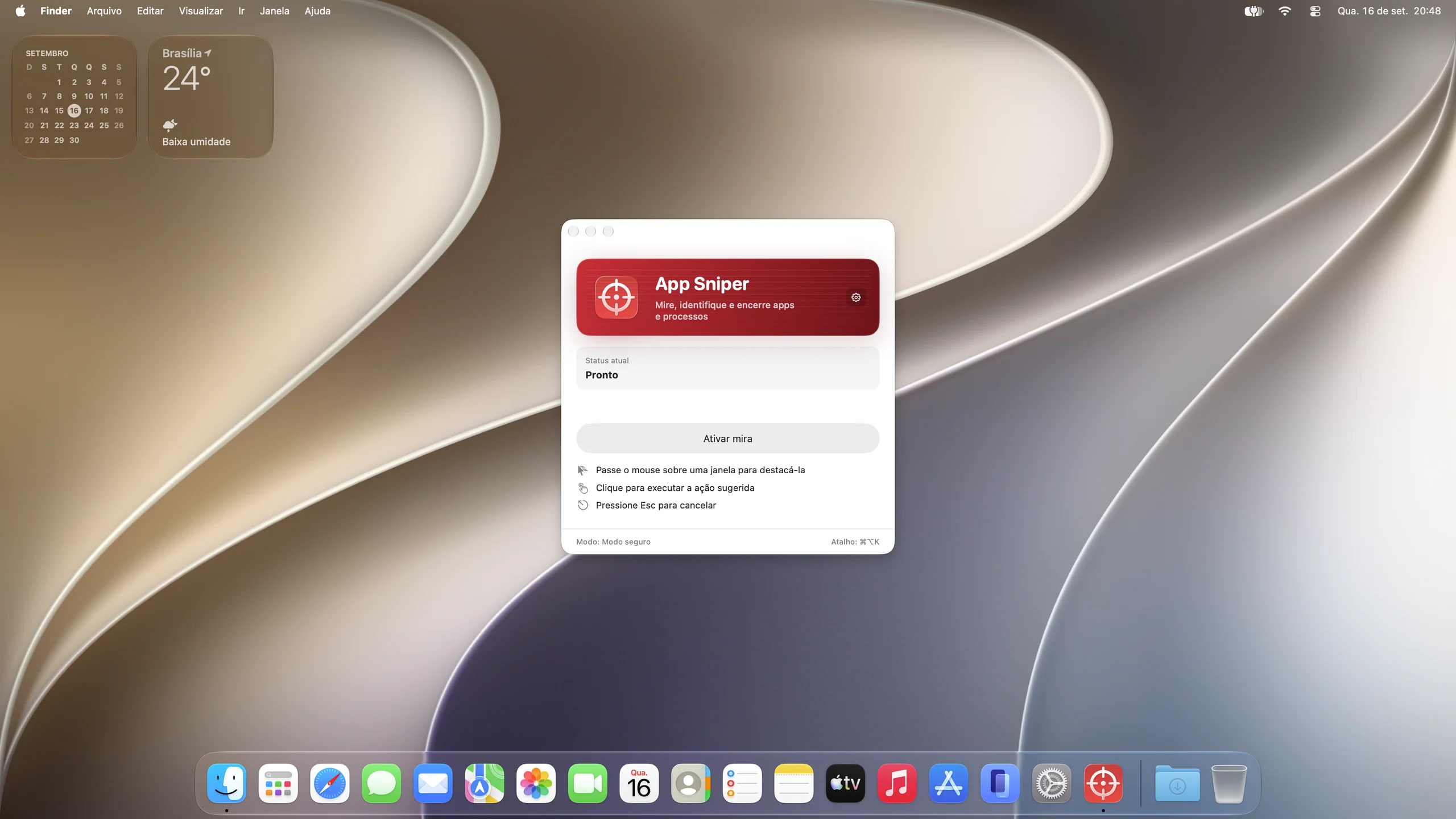
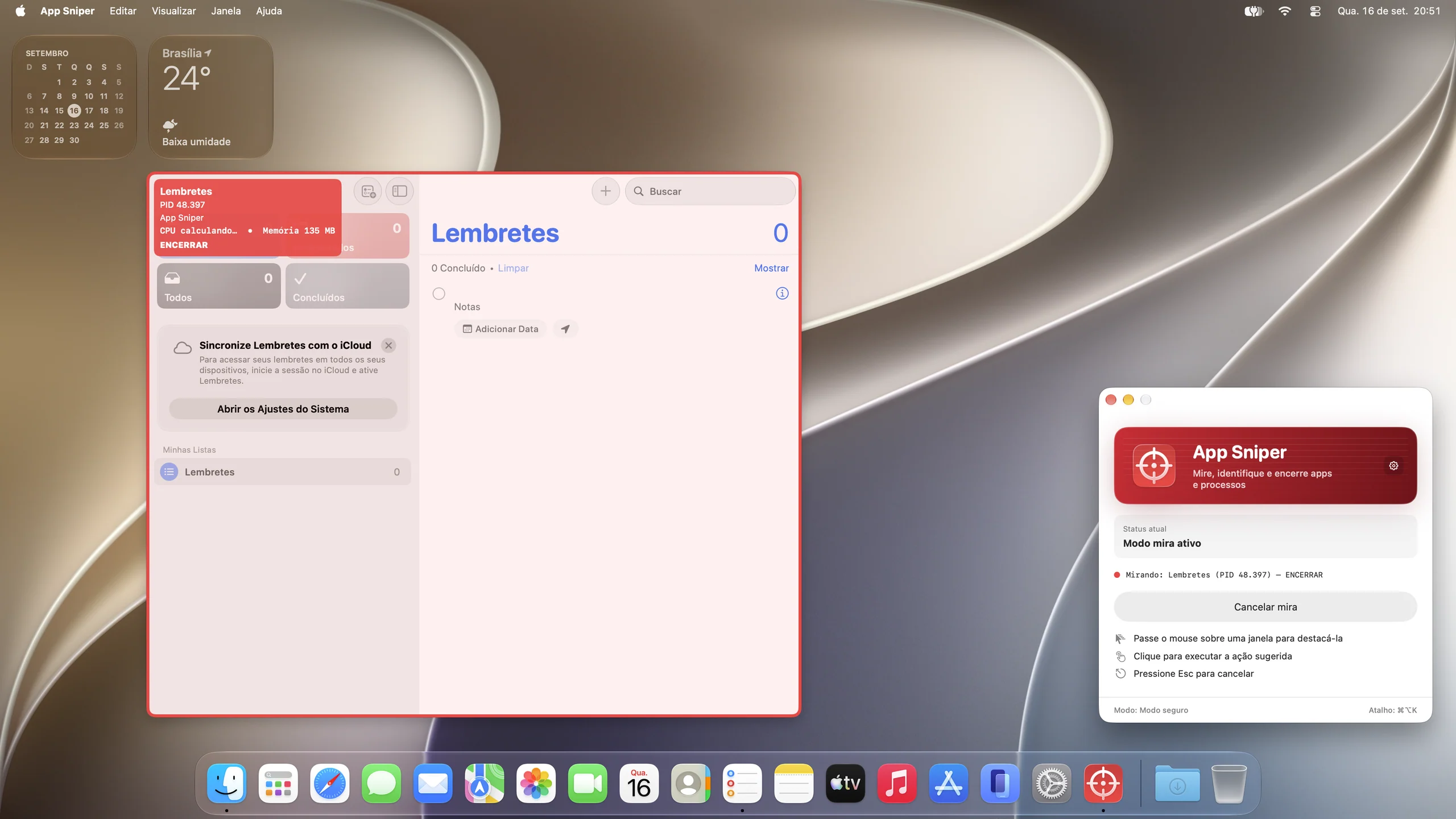
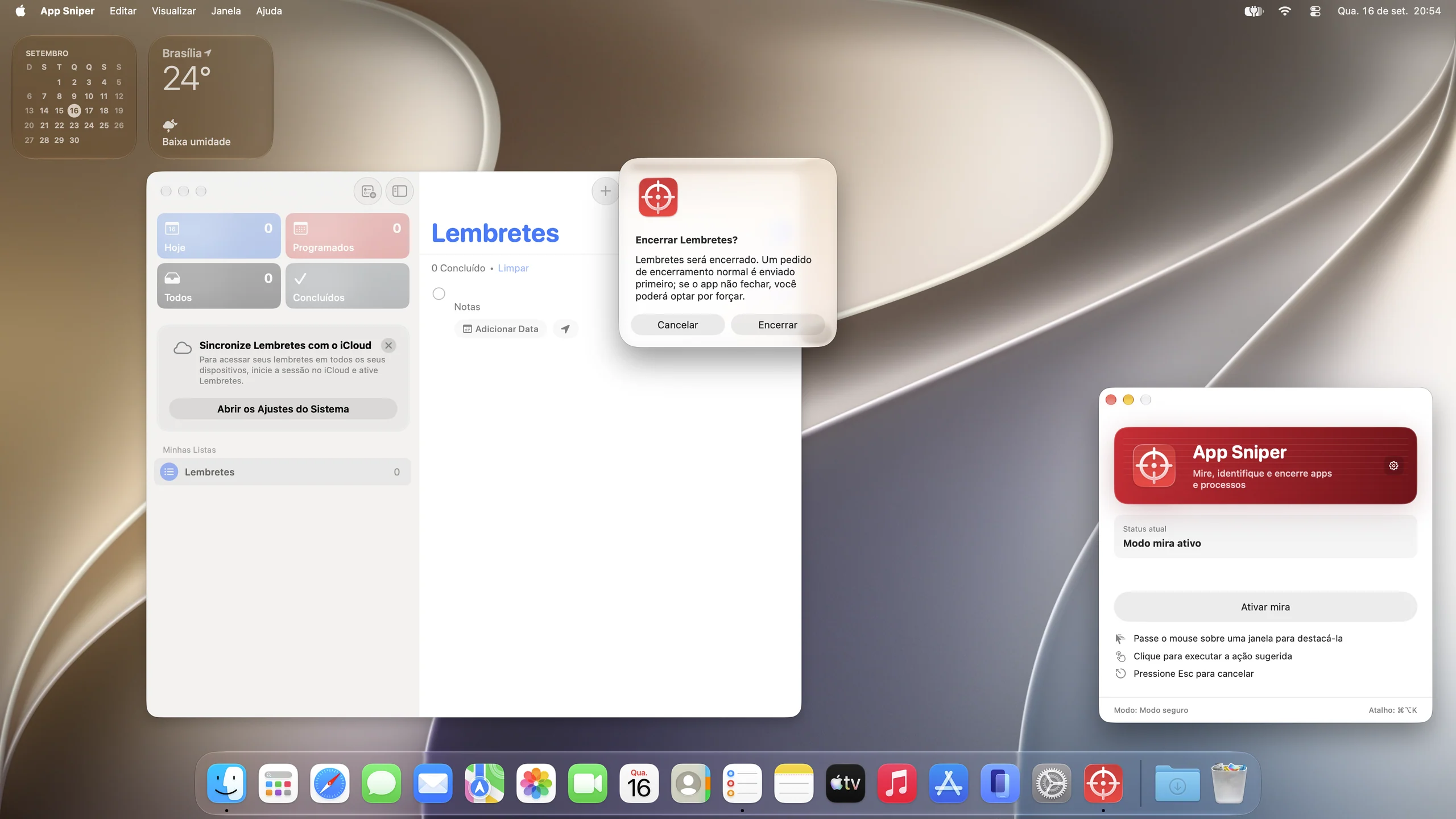
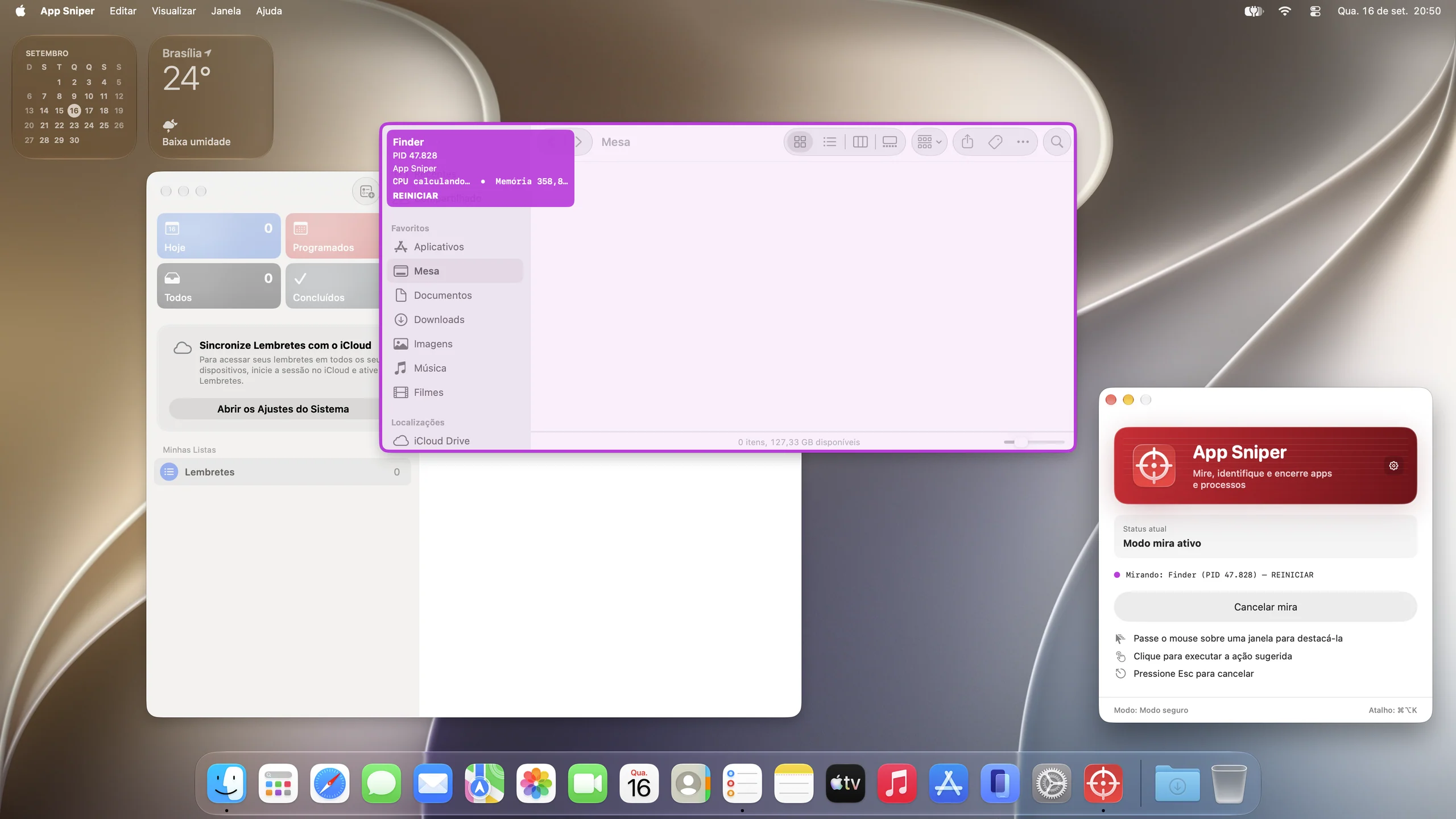
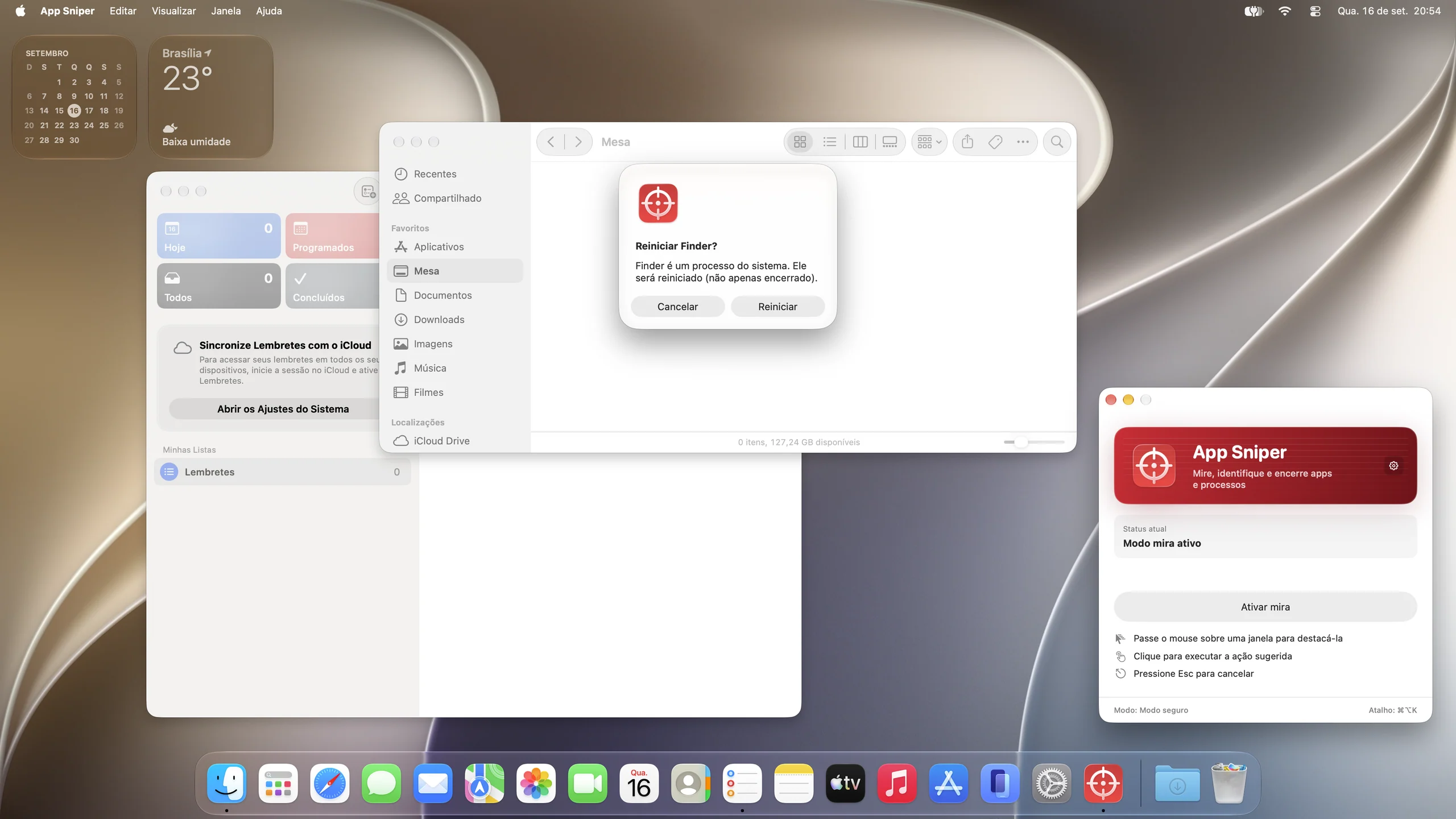
Explore captures of the application.
macOS 13+
Choose the features that support your work.
Accessibility permission is required to identify windows. Screen Recording is optional for displaying window titles. Action logs are stored locally on your Mac.
Read the privacy policyVisual control of apps and processes on Mac.


